E-Invoicing Germany - End customer instructions
This page guides you through the B2B and B2G E-Invoicing module for Germany and explains how it works with your POS, PMS, or ERP system, as well as how to access, manage, and correct E-Invoices
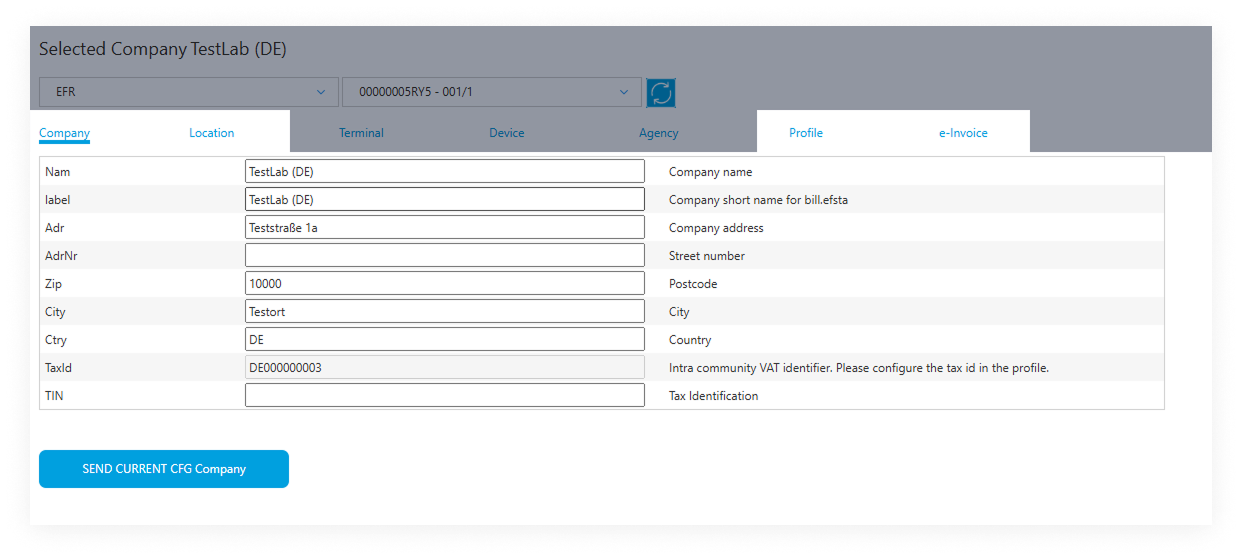
Configuring Your Seller Information
Before creating any E-Invoices, ensure your configuration in the Portal (Company, Location, Profile, E-Invoice) is set properly, as this information will be automatically included in all XRechnung XML files.
Business-to-Business E-Invoicing (B2B)
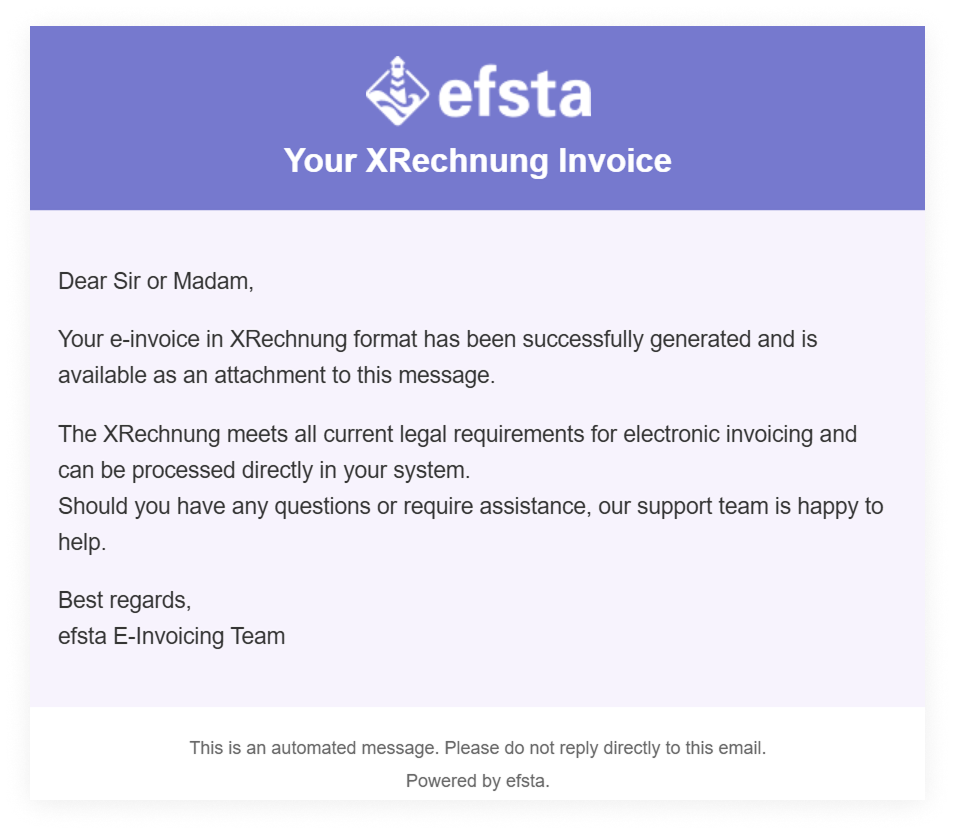
After an E-Invoice is created on the POS, PMS, or ERP system:
- The efsta EFR forwards it to our E-Invoicing module
- The module creates the XRechnung XML
- If successful, the buyer receives the XML file via email from efsta
Business-to-Government E-Invoicing (B2G)
After an E-Invoice is created on the POS, PMS, or ERP system:
- The efsta EFR forwards it to our E-Invoicing module
- The module creates the XRechnung XML
- If successful, the document will be sent via Peppol
Error Handling
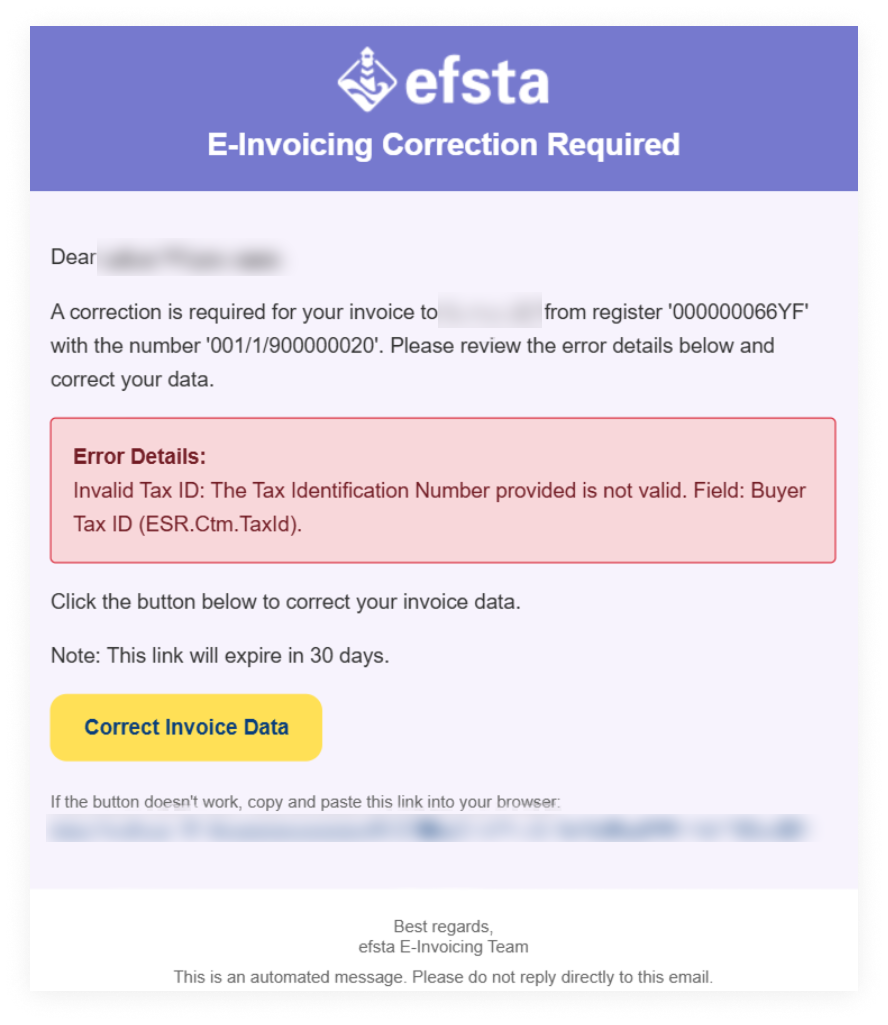
If the XRechnung XML cannot be created or submitted due to invalid or inconsistent invoice data, an email is sent to the seller with a link to the efsta Portal. Registration in the Portal is not necessary.
Error email and correction form
-
Open the email notification and click the link to the efsta Portal
-
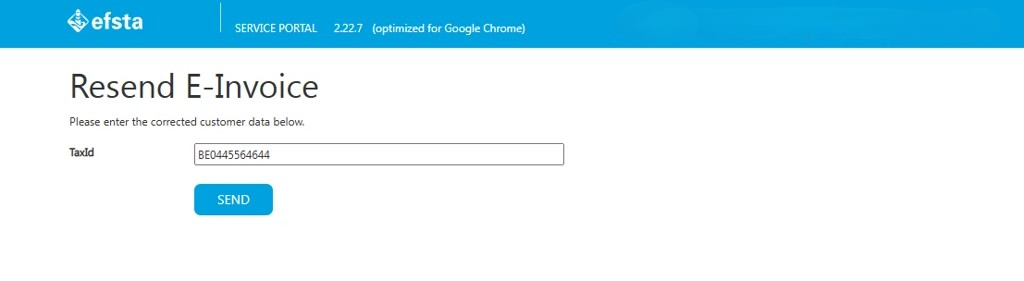
On the correction page you can fix the data, and re-submit